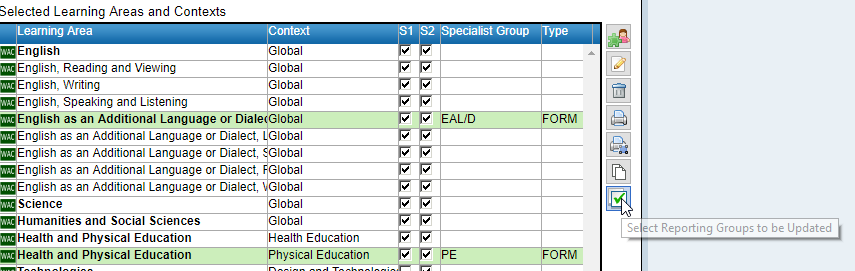
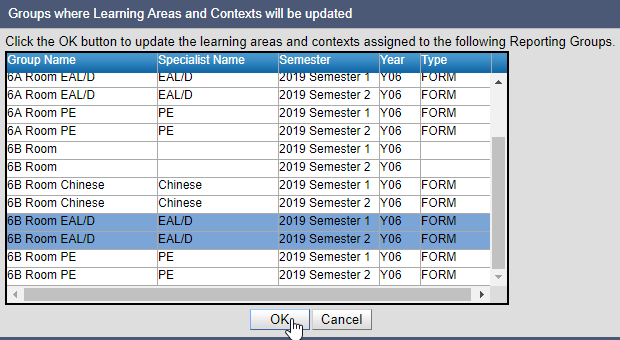
EAL/D groups containing students tagged as an EAL/D stage in SIS can be automatically created each semester. EAL/D specialist groups and the associated teachers can then be populated into reporting group maintenance from year group planning.
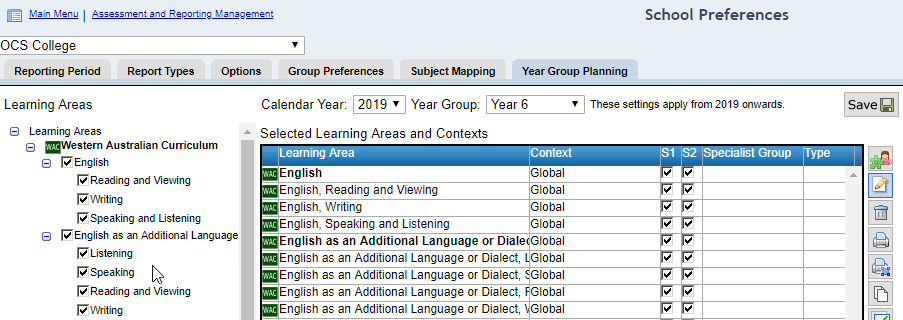
Navigate to Assessment and Reporting Management > School Preferences > Year Group Planning tab

|
•
|
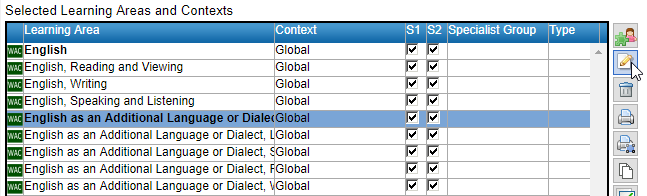
Type the name of the Specialist Group eg EAL/D. Note: do not refer to the year group when naming the specialist area as this will be automatically added.
|
|
•
|
|
•
|
Specify which EAL/D stage students you wish to Add students with a SIS EALD Stage of
|
|
•
|
 function to search for and assign the specialist EAL/D teacher(s).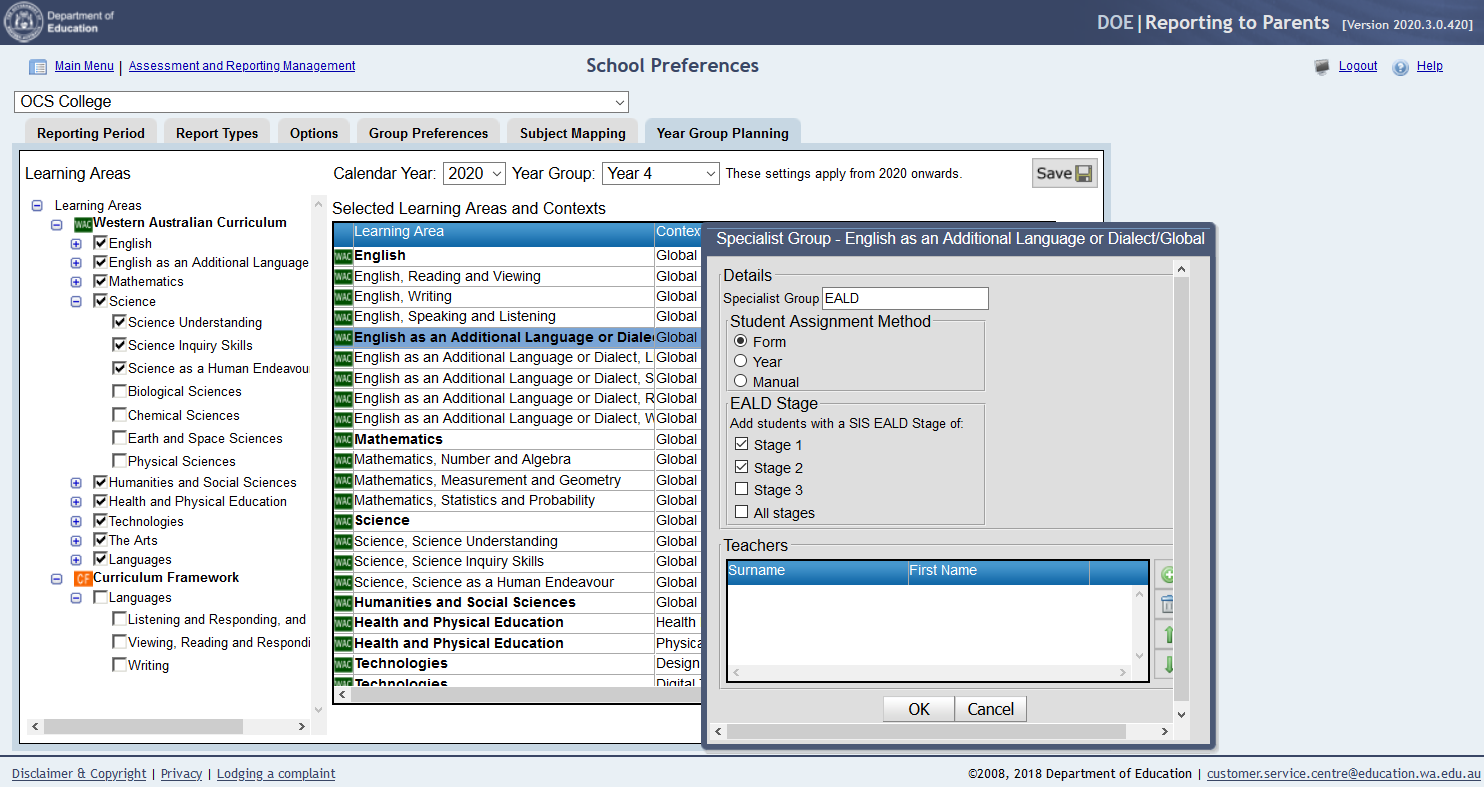
|
•
|
Click OK
|
|
•
|

|
•
|