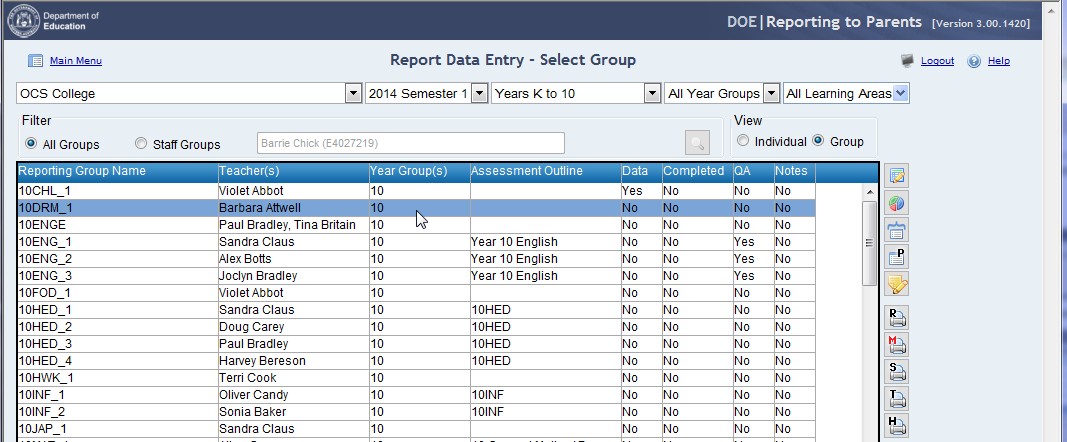
Using the marks book Selecting groups Rows in the group list can be selected by: • Left clicking on an individual group. • Holding down the Ctrl key and left clicking on each group required. • Left clicking on the first group and dragging over the required groups. • Clicking the first group, holding down the Shift key and highlighting the last group to select all groups in between.