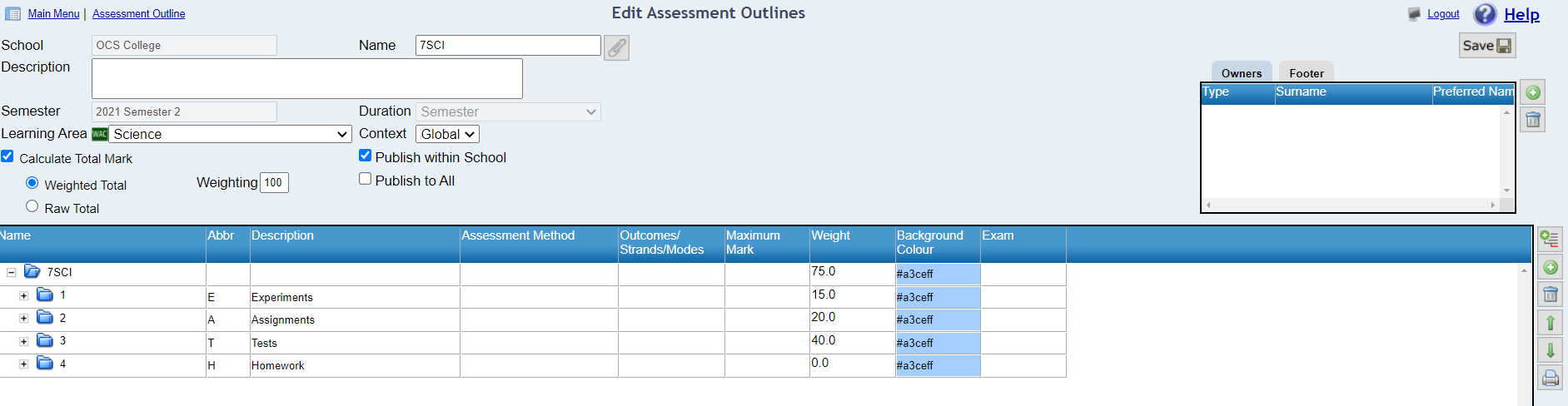
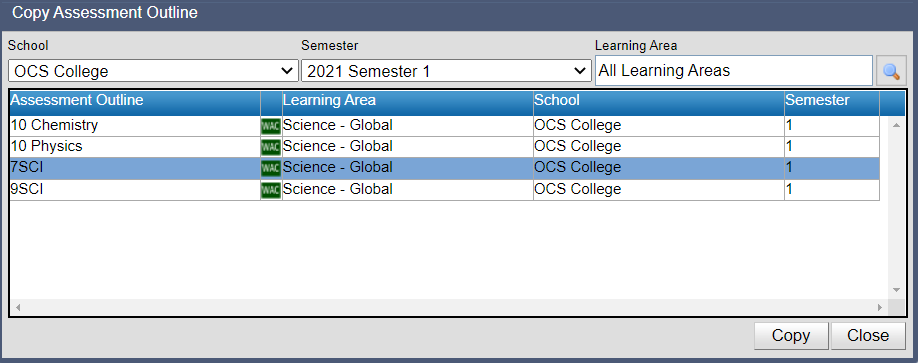
Copying assessment outlines This feature enables users to copy an assessment outline from a different reporting period or school (where the owner has selected to publish the assessment outline). 1. Use the filters to specify where the assessment outline is to be copied to 2. Click on the Copy Assessment Outline icon 3. Search to locate the assessment outline you wish to copy. 4. Highlight the assessment outline and click on Copy 5. It will now be displayed within the school list of assessment outlines 6. Highlight the newly copied assessment outline and use the edit feature to customise if required . 7. Assign the assessment outline to the relevant reporting groups.



 .
.