|
•
|

|
•
|
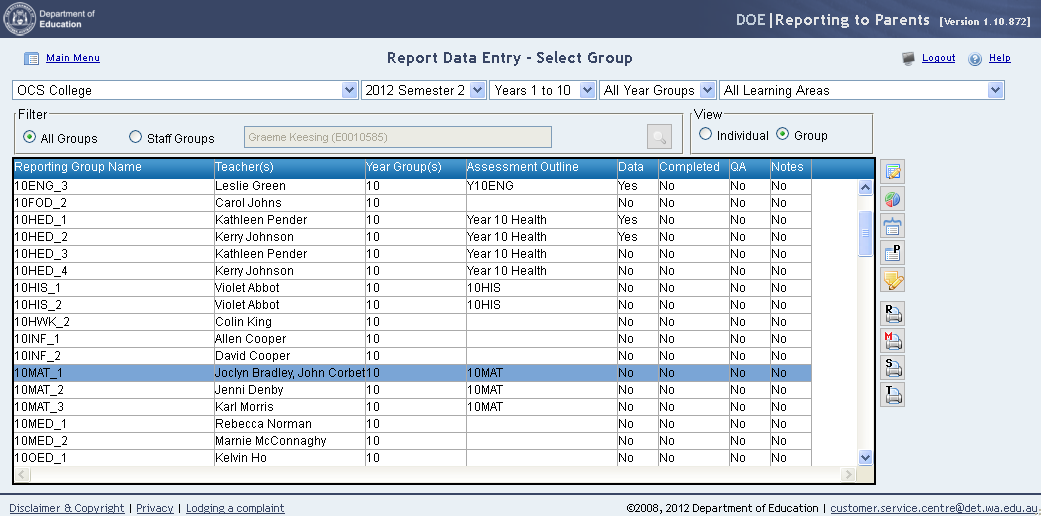
Assessment outlines will appear in the assessment outline column in the Report Data Entry – Select Group screen
|
|
•
|
Select the group/s you wish to report on. Groups that share a common Assessment outline can be merged using the Merge Groups
 icon (this option will display all students in the Group Report Data Entry screen). icon (this option will display all students in the Group Report Data Entry screen). |
|
•
|
Click on the Report Data Entry
 icon to open a single group or the Merge Groups icon to open a single group or the Merge Groups  icon if multiple groups are to be viewed in a single list. icon if multiple groups are to be viewed in a single list. |
|
•
|

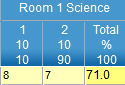 will be displayed as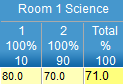


|
•
|
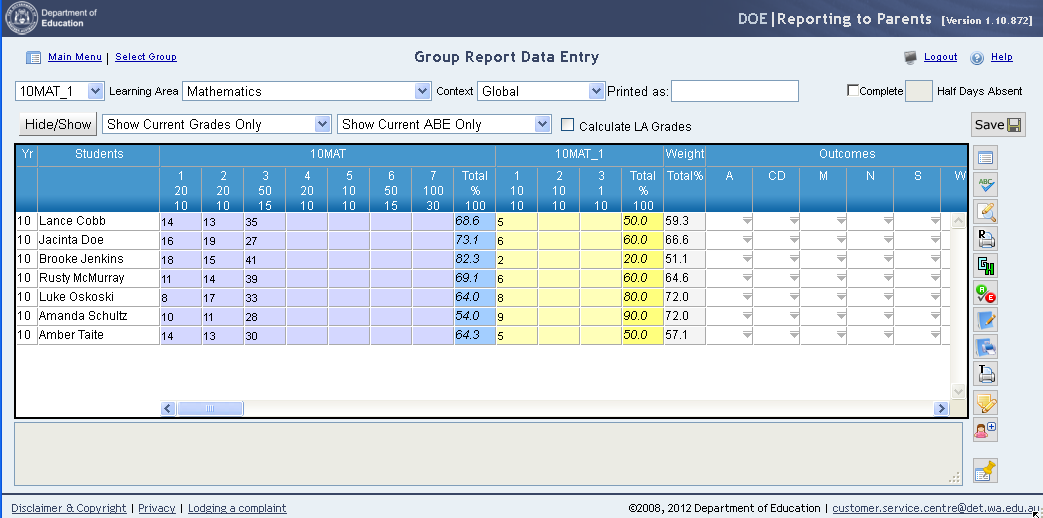
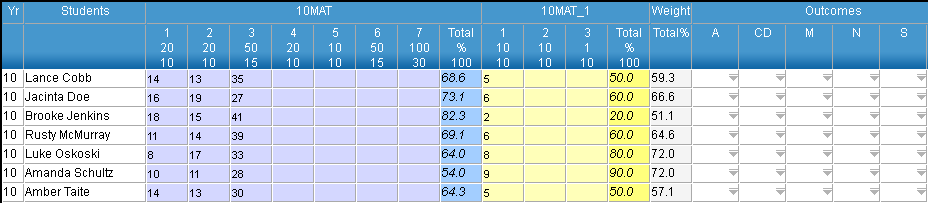
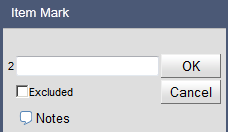
Enter required data. When a cell is selected details such as Maximum Mark and Weightings are shown at the bottom of the screen.
|
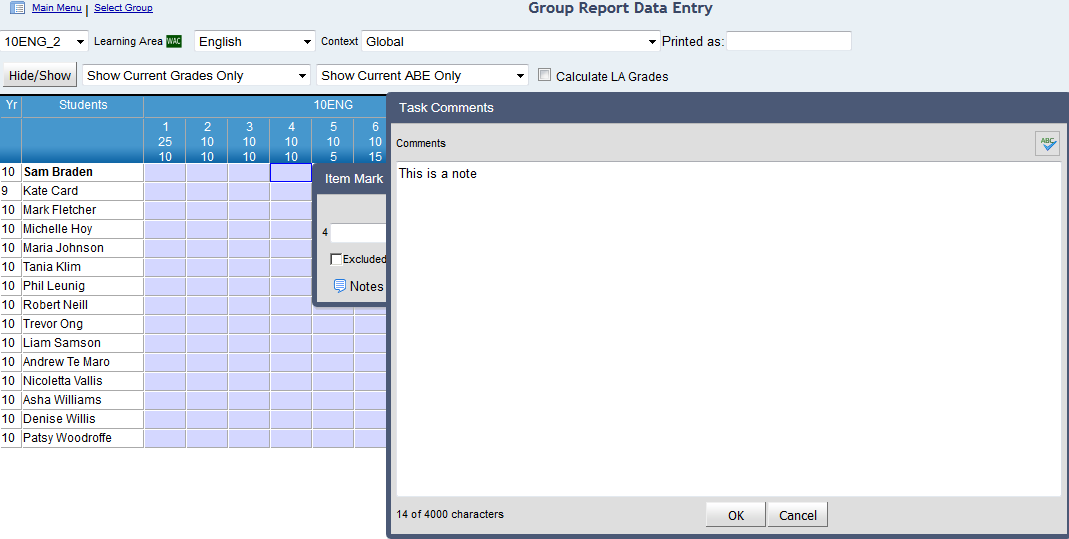
 of the task mark cell.
|
•
|
Click OK.
|
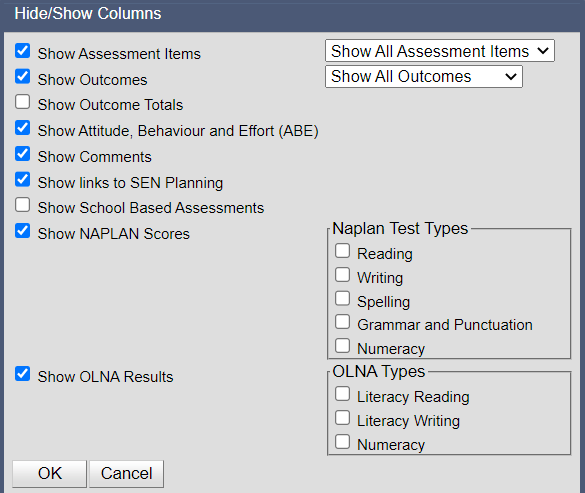
Fields can be selectively displayed or hidden using the Hide/Show function.
|
1.
|
 button.