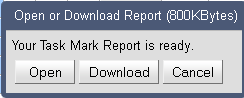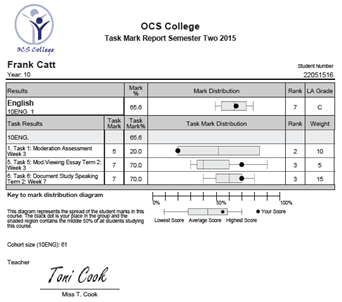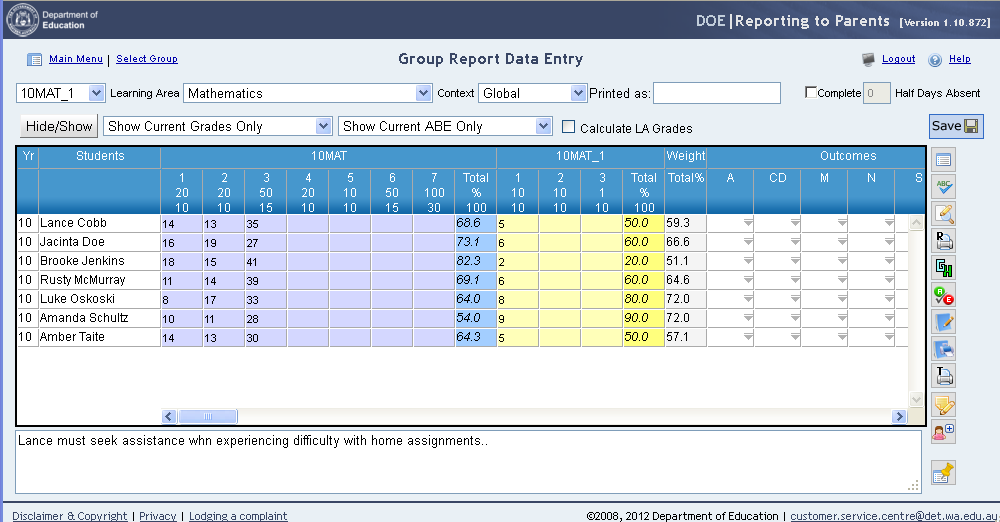
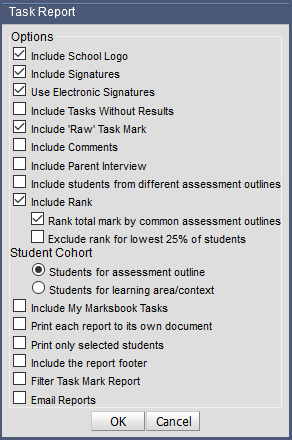
Printing the task mark report The task mark report will print a report for each student and display the students’ performance in each task and indicate the position of the student in a distribution of all students in that task. To print task mark reports: 7. Open the group for data entry 8. Click on the Print Task Mark Report icon 9. Select your report options and click on OK 10. Click on Open 11. The task mark reports will appear as a PDF document 12. Each student will appear on a separate page