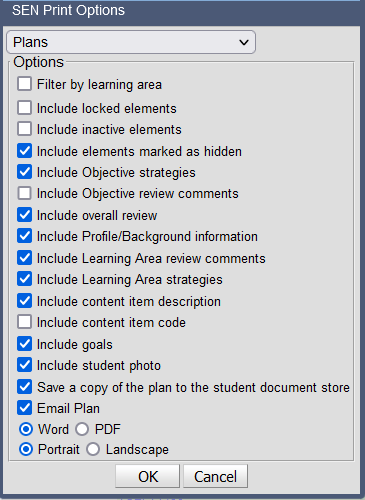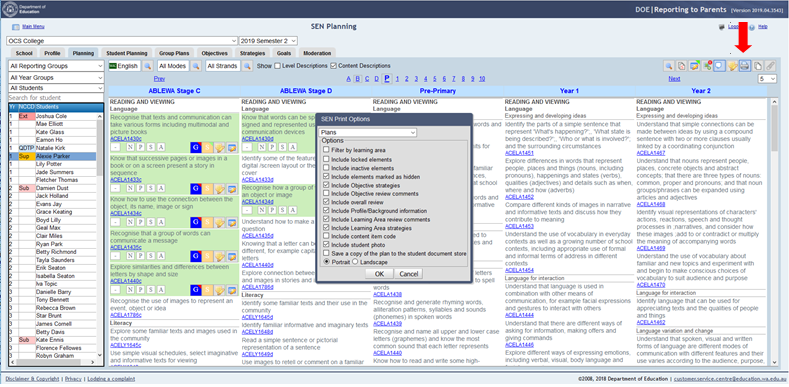
Print plan The print plan function allows the full plan for the student to be printed and reviewed. The plan will include all learning areas for the student. To print the student plan: • Click on the Print Plan icon • Select the print Options Note: To filter the plan to contain only selected learning areas, click on the Filter by learning area option and select the learning areas required. • Click on OK