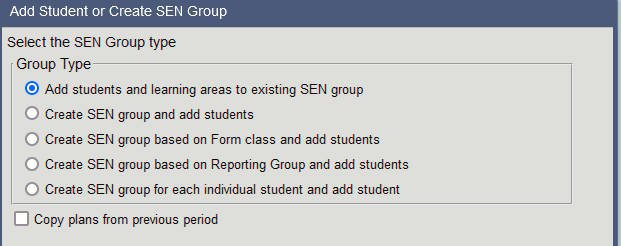
Add students to reporting group The Add students to a Reporting Group icon allows students to be added to an existing SEN group or added to a newly created group. • Click on the Add students to a Reporting Group icon • Select the student or students • Choose from the 5 group type options available • Select the Copy plans from previous period option if you would like the previous semester’s plan copied to the student/s. • Depending on the Group type selected, complete the required information i.e group name, teacher, learning areas. • Select Finish
 allows students to be added to an existing SEN group or added to a newly created group.