|
•
|
 icon
icon|
•
|
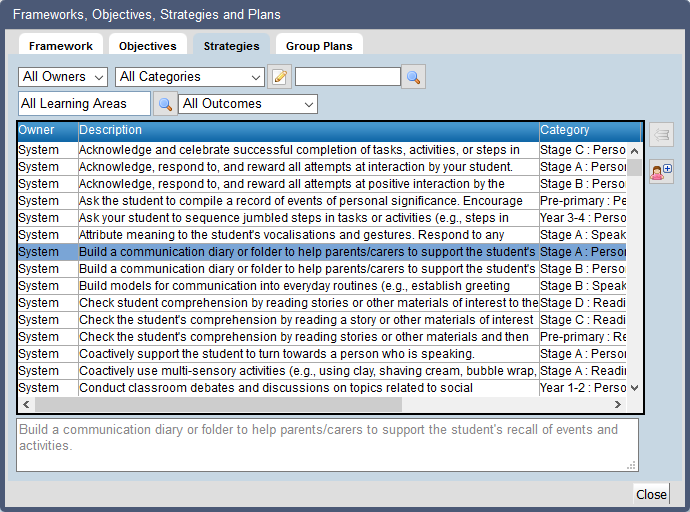
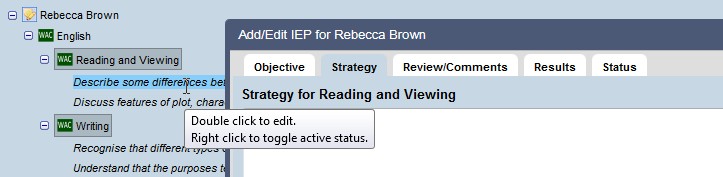
Select the Strategies tab
|
|
•
|
Click on Close
|

|
http://www.education.wa.edu.au |
| Phone (08) 9264 5555 | |
| customer.service.centre@education.wa.edu.au |