Reporting and assessment : Senior school reporting : Report quality assurance : Printing reports to parents

Printing reports to parents
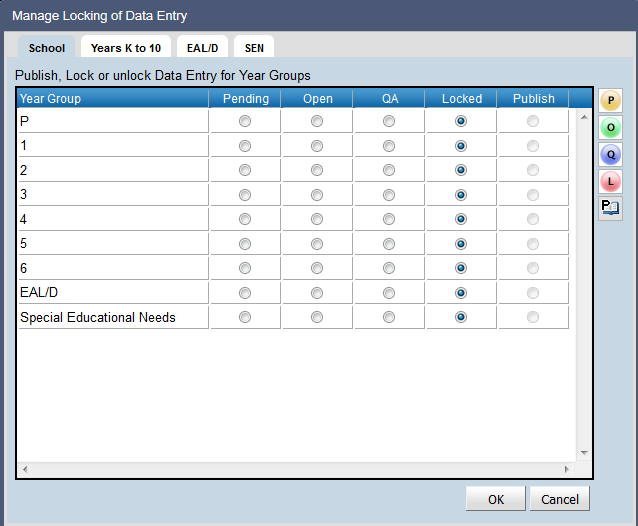
Once reviewing of report data for an academic year is completed, the lock status for that academic year can be moved to Locked.
This will prevent further editing of report data by teachers and reviewers and protect reporting data.
School administrators are able to make adjustments to a student’s report that is locked.
To edit a locked student’s report:
1.
Select Report Data Entry
2.
Select the required Reporting Group
3.
Select Individual View
4.
Click Select by Student
5.
Select the required academic year
6.
7.
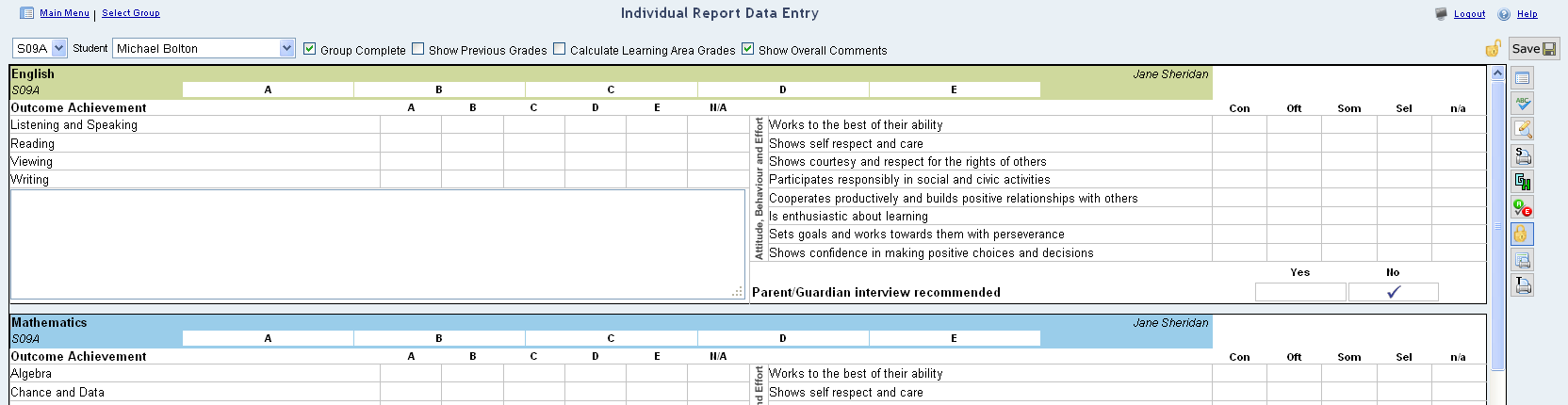
Click the Report Data Entry icon
The lock indicator will indicate the status of locking for the student.
8.
Click on the Lock or Unlock data entry for the student icon to unlock the student.
9.
10.
Click on the Lock or Unlock data entry for the student icon to re-lock the student.
 

http://www.education.wa.edu.au
Phone (08) 9264 5555
customer.service.centre@education.wa.edu.au