Work placements : Features of work placements : Employers tab : Placements : Placement toolbar : Show student contacts : Contacts toolbar

Contacts toolbar
The Contact toolbar contains functions for the management of contacts.
Toolbars are:
Monday, July 06, 2015 12 Add Communication
Monday, July 06, 2015 12 Edit Communication
Monday, July 06, 2015 12 Delete Communication
Export Contact Log
Add communication
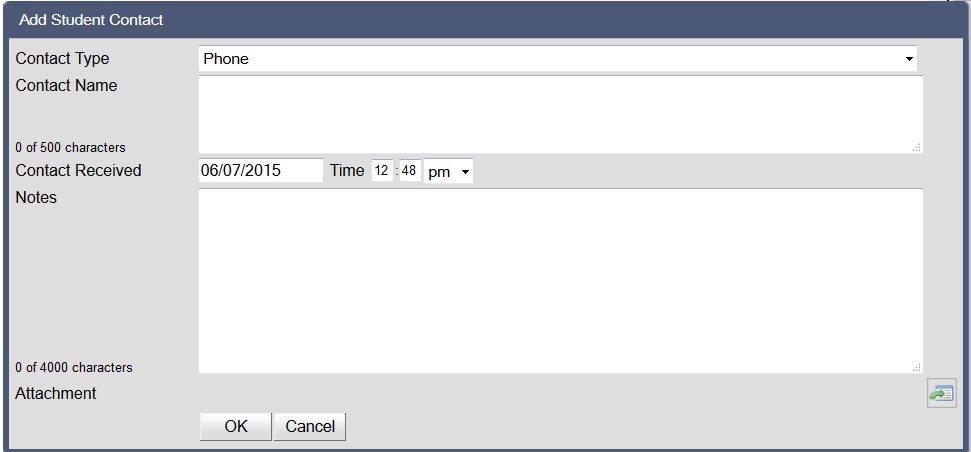
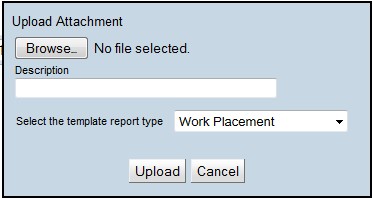
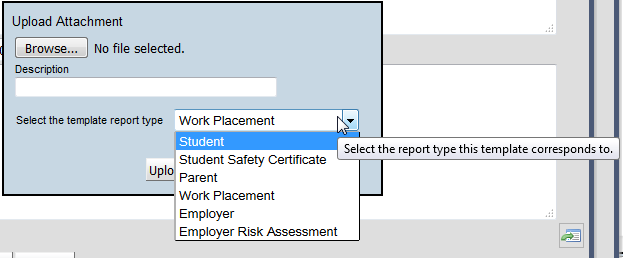
The add communication function allows details of any communication regarding the student placement to be recorded.
To add a communication record:
1.
Click on the Add Communication icon
Monday, July 06, 2015 12
2.
3.
Tuesday, July 07, 2015 08
4.
 
5.
Once an attachment has been uploaded, it may be deleted using the Delete icon after selecting the Edit communication icon Wednesday, July 08, 2015 10
Wednesday, July 08, 2015 10
Edit communication
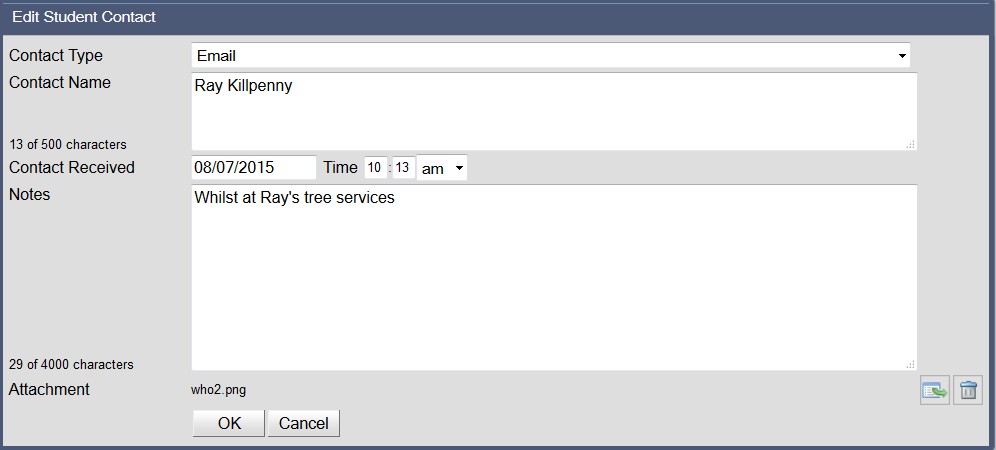
The edit communication function allows the communication details to be edited.
To edit the communication:
1.
2.
Click on the Edit Communication icon
3.
4.
Click on OK to add the communication record or Cancel to exit without saving
Delete communication
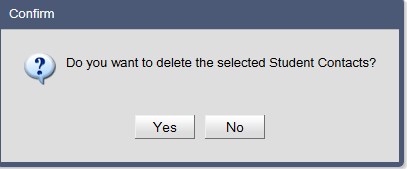
The delete communication function will remove a selected communication row.
To delete a communication record:
1.
2.
Click on the Delete Communication Wednesday, July 08, 2015 10 icon
3.
Tuesday, July 07, 2015 08
4.
Click on Yes to delete the communication or No to cancel and retain the communication
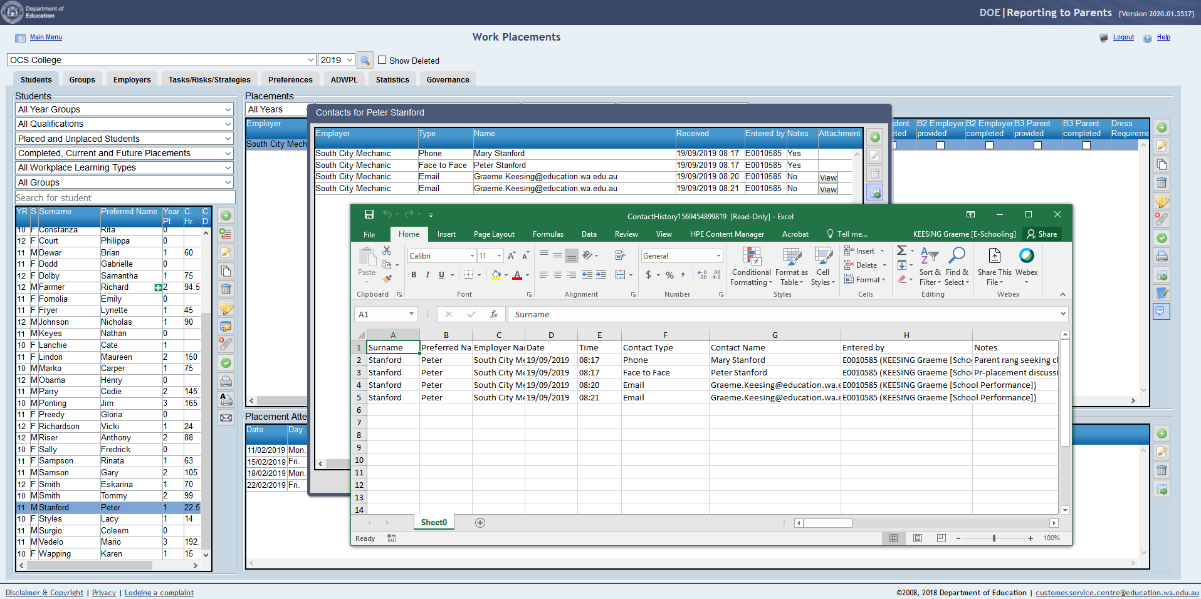
Export contact history
The export contact history function will export the contents of the contact log to an Excel spreadsheet.
To export the work placement contact log:
Click on the Export icon

http://www.education.wa.edu.au
Phone (08) 9264 5555
customer.service.centre@education.wa.edu.au