Reporting and assessment : Special Education Needs (SEN) reporting : SEN reporting data entry : SEN report data entry : Individual report data entry window – Features for SEN : Uploading photographs/work samples

Uploading photographs/work samples
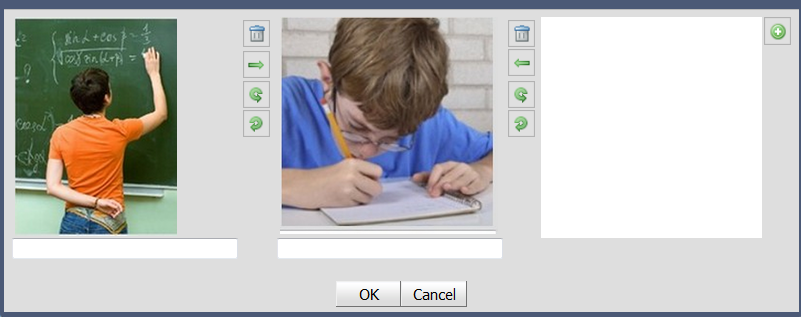
Three items can be uploaded for each learning area.
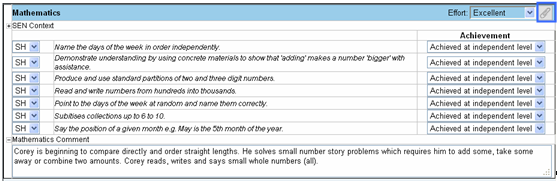
Click the View Portfolio Items icon next to each learning area.
 
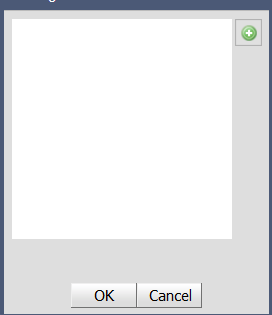
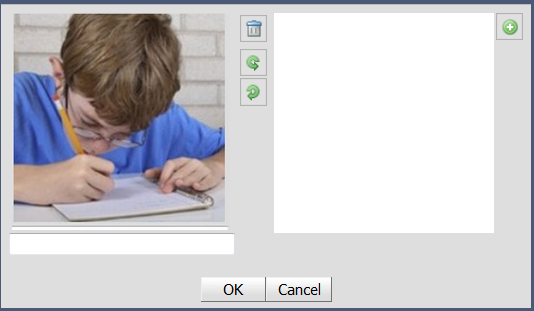
Alternatively Click the Add Portfolio Item icon and then Browse to locate the picture.
Write an annotation in the Comments text box.
 

http://www.education.wa.edu.au
Phone (08) 9264 5555
customer.service.centre@education.wa.edu.au