|
1.
|
 icon
icon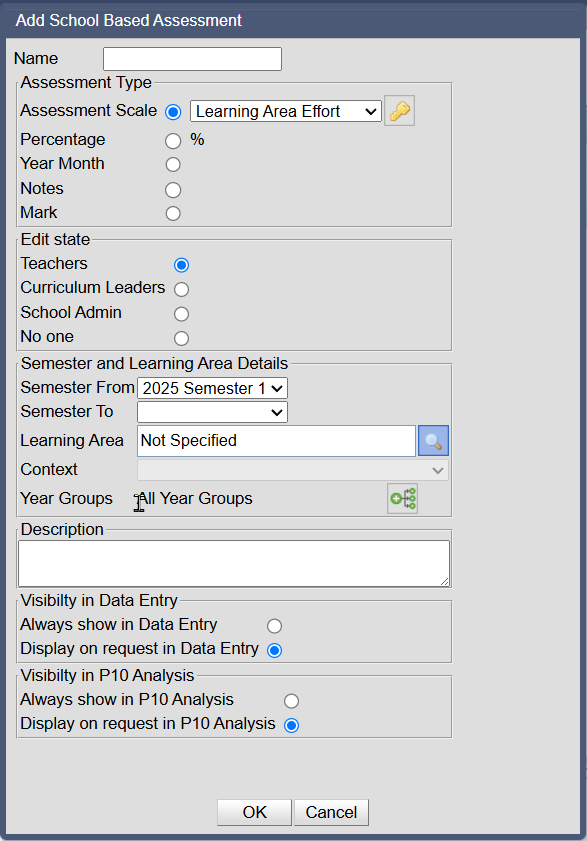

|
3.
|
Select the Assessment Type
|
|
•
|
If Assessment Scale is selected, click on the scale drop down and select a scale from the list of active scales
|
Or to activate a new scale, click  then uncheck show only active
then uncheck show only active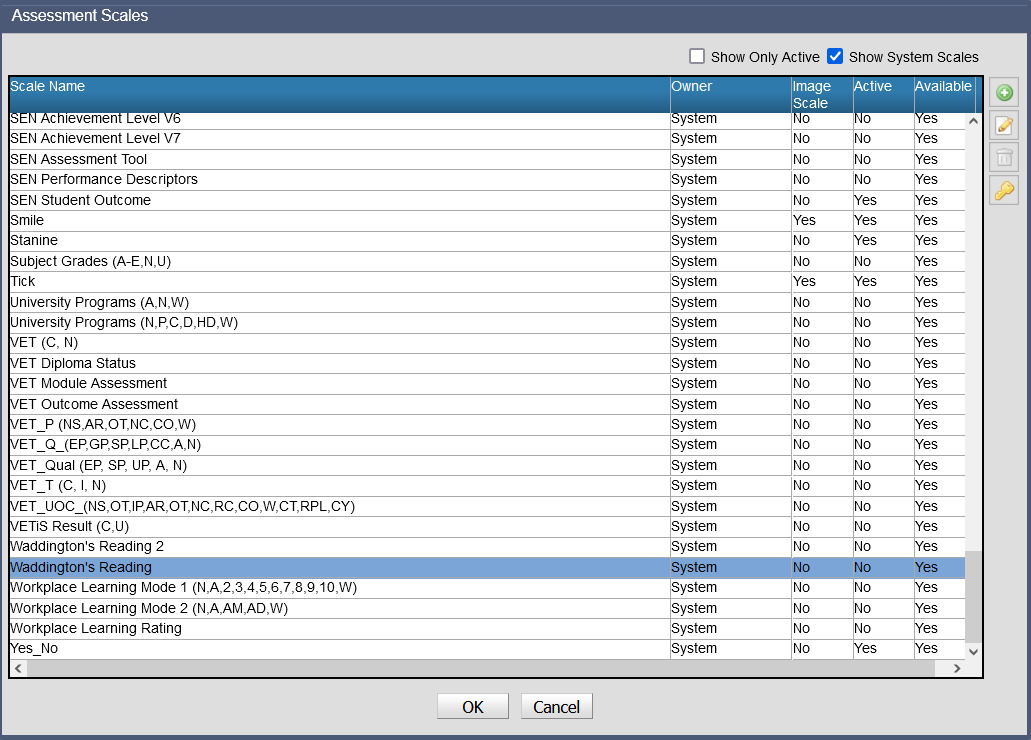
 to create a new School assessment scale
|
•
|
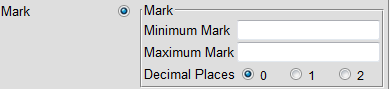
If Mark is selected, enter the Minimum Mark, Maximum Mark and number of Decimal Places that will be required.
|
|
4.
|
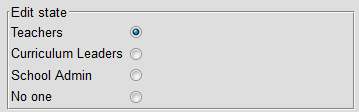
Enter the Edit state. This will define the role cut-off for data entry of the assessment results.
|
|
6.
|
Enter the last semester that the assessment will be active and then will not be available for data entry. An assessment without a Semester To value recorded will remain active.
|

|
7.
|
Enter the Learning Area associated with the assessment. Not Specified will indicate that it is associated with multiple learning areas.
|
|
8.
|
Enter the Context associated with the assessment
|

|
9.
|
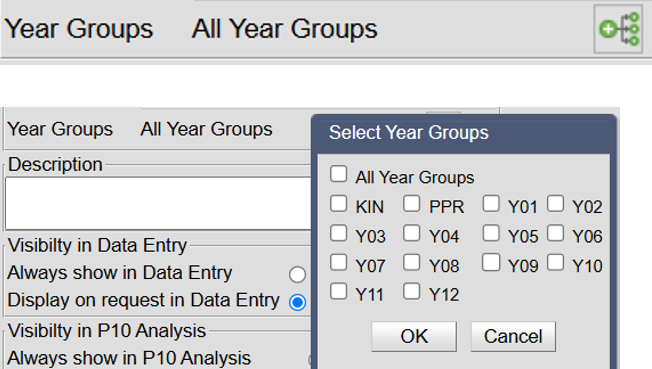
Enter the specified Year groups if not all year groups
|
|
10.
|
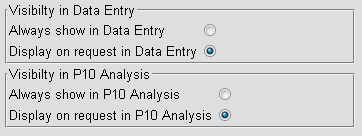
Enter a Description for the assessment
|

|
12.
|
Click on OK to save the data
|