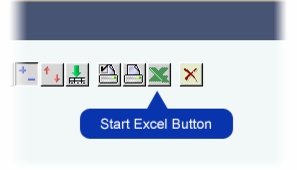
Exporting Analysis Results to Microsoft Excel To export analysis results to a Microsoft Excel file: 1. Perform the Analysis query. 2. Use the Mondrian tools to obtain the required view of the data. 3. Click the Start Excel button on the Mondrian toolbar. The File Download dialogue box is displayed. 4. Click Open. Microsoft Excel starts and the query results are opened as a new worksheet.